
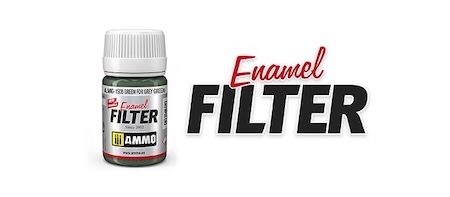
Enamel Filters (35 Ml)
Enamel Filters – Subtle Toning and Surface Unification
Enamel Filters are ready-to-use enamel filters designed to subtly alter the colour tone of your model. They help enrich shades, unify camouflage, or distinguish selected areas of the model without the need for complicated paint mixing or finding the correct thinning ratio.
Apply the filter with a brush in a thin layer over the surface of the model without flooding it. Thanks to its transparent nature, you can gradually build up the effect and achieve natural-looking tonal variations on vehicles, aircraft, sci-fi machinery, and other models.
A filter applied over several shades helps visually blend the individual camouflage colours and soften the transitions between them without covering the original surface of the model.
The transparent layer of the filter allows you to gently shift the overall colour tone of the surface. You can use the effect to warm, cool, or generally tone down the base colours.
Selected shades are also suitable for light or white winter surfaces, such as tanks, aircraft, sci-fi machinery, or United Nations vehicles.
Filters can be used on military vehicles and other equipment to subtly unify the base colours and create a more natural overall colour appearance.
The filtering technique is not limited to tanks. You can also use it on aircraft, spaceships, and other sci-fi models when you want to subtly adjust the overall colour tone.
Enamel Filters are ready for direct application. There is no need to mix your own shades or find the correct thinning ratio. A.MIG-2018 Enamel Thinner can be used for additional thinning or cleaning.
A wash is primarily used in recesses, panel lines, and around details, where it collects and enhances depth. A filter, on the other hand, is applied in a thin transparent layer over a larger area of the model when you want to subtly alter or unify the overall colour tone. Start with a light layer and gradually build up the intensity. Enamel Filters can be thinned and your tools cleaned using A.MIG-2018 Enamel Thinner.


